
 Jan 14, 2025
 2 min read
Docker 101

An open-source project that automates the deployment of software applications inside containers by providing an additional layer of abstraction and automation of OS-level virtualization on Linux. A Dockerfile is a simple text file that contains a list of commands that the Docker client calls while creating an image. It’s a simple way to automate the image creation process. The best part is that the commands you write in a Dockerfile are almost identical to their equivalent Linux commands. This means you don’t really have to learn new syntax to create your own dockerfiles.
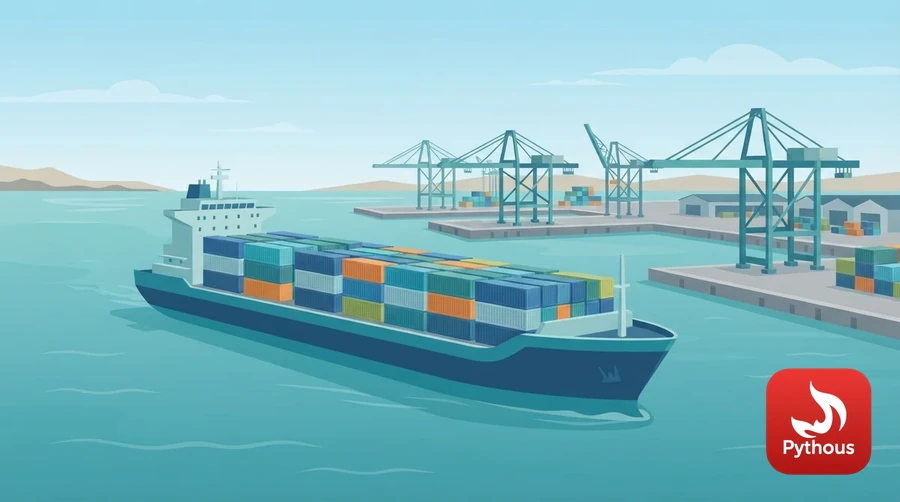
Illustration: like shipping containers, Docker images package everything an app needs.
Installation
curl -sSL https://get.docker.com/ | sh # Simple linux script
Repository
docker pull busybox # Pull image from repo
docker push john/docker-app # Push image to repo
docker build -t john/docker-app . # Build image from Dockerfile
docker login <url> # Login to repo
Images
docker images # List of local images
docker rmi nginx # Delete image
Run
docker run busybox # Run a container
docker stop busybox # Stop a container
docker restart busybox # Restart a container
docker container kill # Kill a container
docker run -d busybox # Run a container in detached mode
docker run -it busybox sh # Run interactive shell
docker run --rm busybox # Delete container after it exits
docker run -p 80:8080 nginx # Map host port to container port
docker run -P nginx # Map ports automatically
docker run nginx -e url=example.com # Environmental variables
docker run nginx --name webapp # Name a container
docker run -v /app /var/www/app # Mount host directory to container
docker run -c 512 -m 500M nginx # CPU and memory limits
docker exec -it nginx /bin/bash # Run a command on container
Containers
docker ps # Running conatainers
docker ps -a # All containers
docker rm 305297d7a235 # Delete a continer with ID
docker rm $(docker ps -a -q -f status=exited) # Delete all exited containers
docker container prune # Delete all containers
Information
docker logs nginx # See container logs
docker top nginx # Running process
docker stats nginx # Show resource stats
docker inspect nginx # Details about container
docker port nginx # Show exposed ports of container
Dockerfile
FROM ubuntu:18.04 # Base Image
RUN echo "Hello World" # Shell commands
WORKDIR /var/www/app # Current working directory
ADD /app /var/www/app # Copy data from host to container
EXPOSE 5000 # Expose port (Only container side)
CMD ["python", "./app.py"] # Default command for container
ENV url="example.com" # Environmental variable
ENTRYPOINT ["top", "-b"] # Run as executable
USER john # User for executing commands




Comments (0)
Leave a Reply
Log in to post a comment.